


If you are new to Emacs, you might think that the scrolling in buffers is choppy. Why is that? You are probably used to smooth scrolling in all your other editors, so why not Emacs? That is exactly what we will look at today!
It is important to know that Emacs has a rich history dating back to the 1970s. At the time, it was running on mainframes like the PDP-10. Scrolling the text buffer was a slower operations on machines like these, so you probably wanted to view the file in chunks (or pages if you will). My guess is that this is the reason for Emacs' default scrolling behavior. To view as much new information as possible with each scroll. Now, this is probably just speculation from my end, but it seems plausible. Ah, how I wish I could have experienced machines like the PDP-10 in its hay day…
Basic scroll in buffers using stock Emacs with no configuration looks like this:
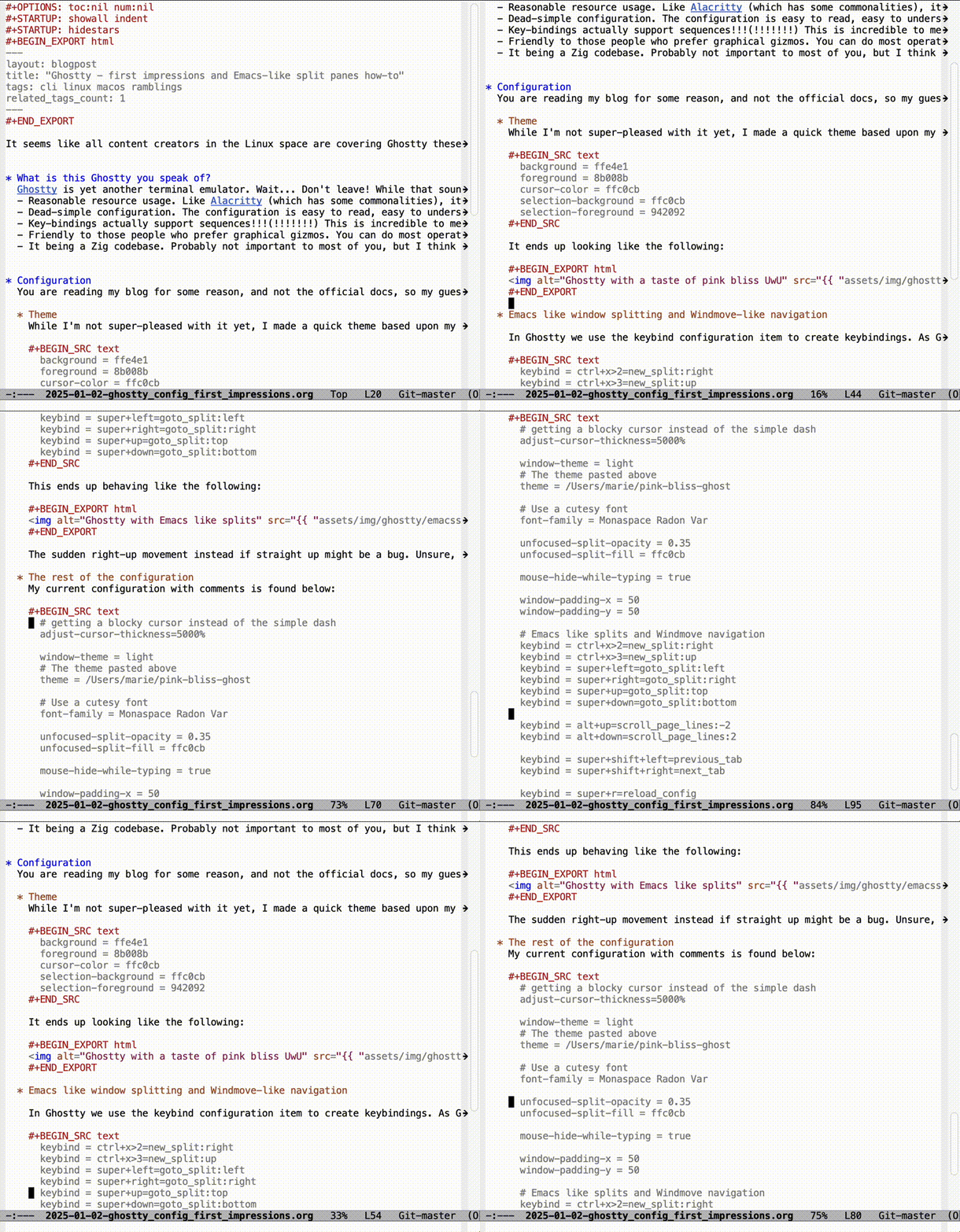
Makes sense in the context described above, but you might want a less choppy experience. Emacs already got you covered with some scrolling related configuration options. The most important configuration options are scroll-conservatively and scroll-margin. The scroll-conservatively variable controls how Emacs centers the cursor on your screen. 0 means that we always center it, and is the default. scroll-margin essentially control how far we are from the top and bottom of the screen before we start scrolling.
No extra packages needed, it is all built in!
Some example config might look like:
(setq scroll-conservatively 10
      scroll-margin 15)
You might want to experiment with different values of these, depending on your preferences.
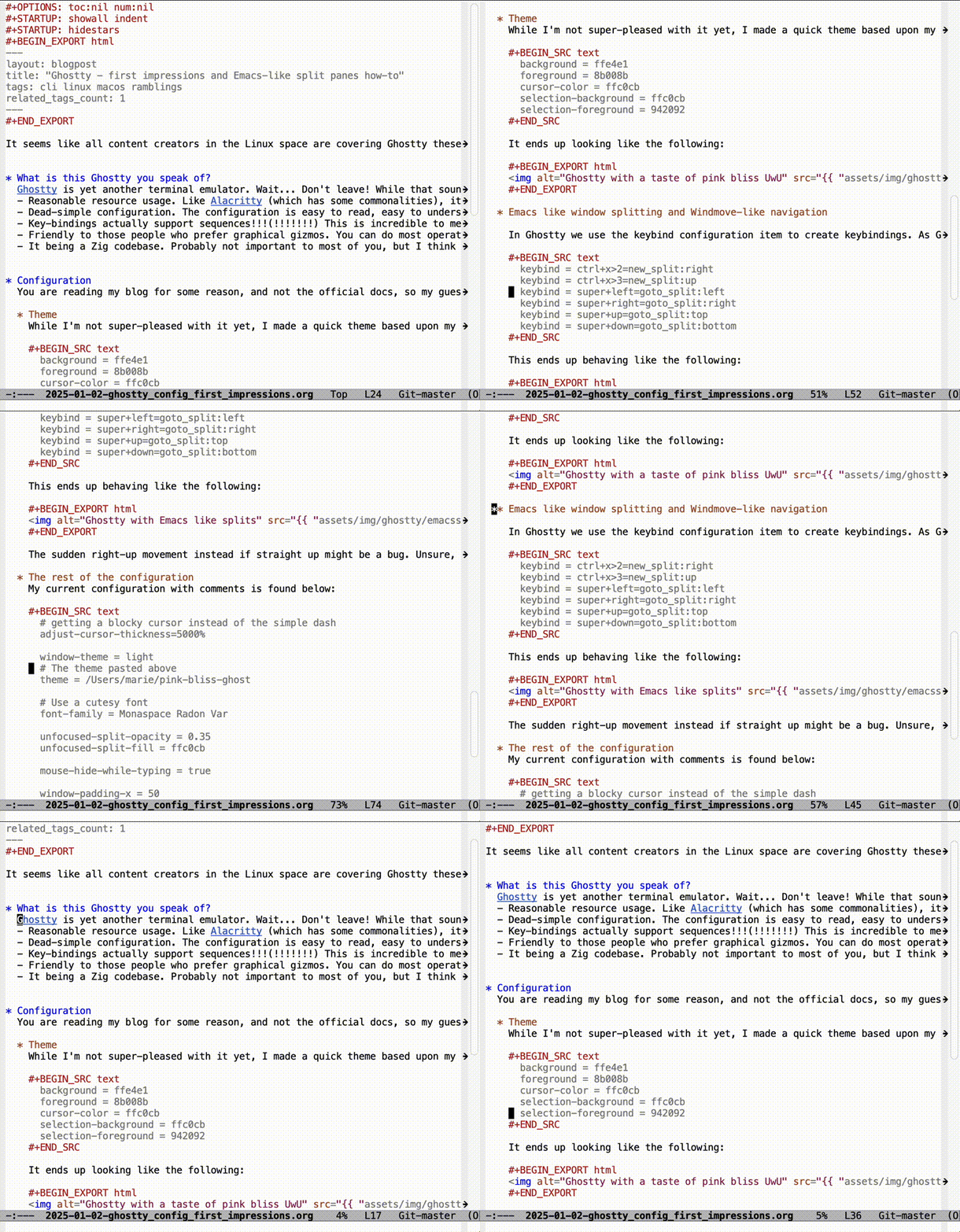
With the above configuration we get an experience like the following:
With more pretty colors and "TheMKat'isms" (aka my config), we get:
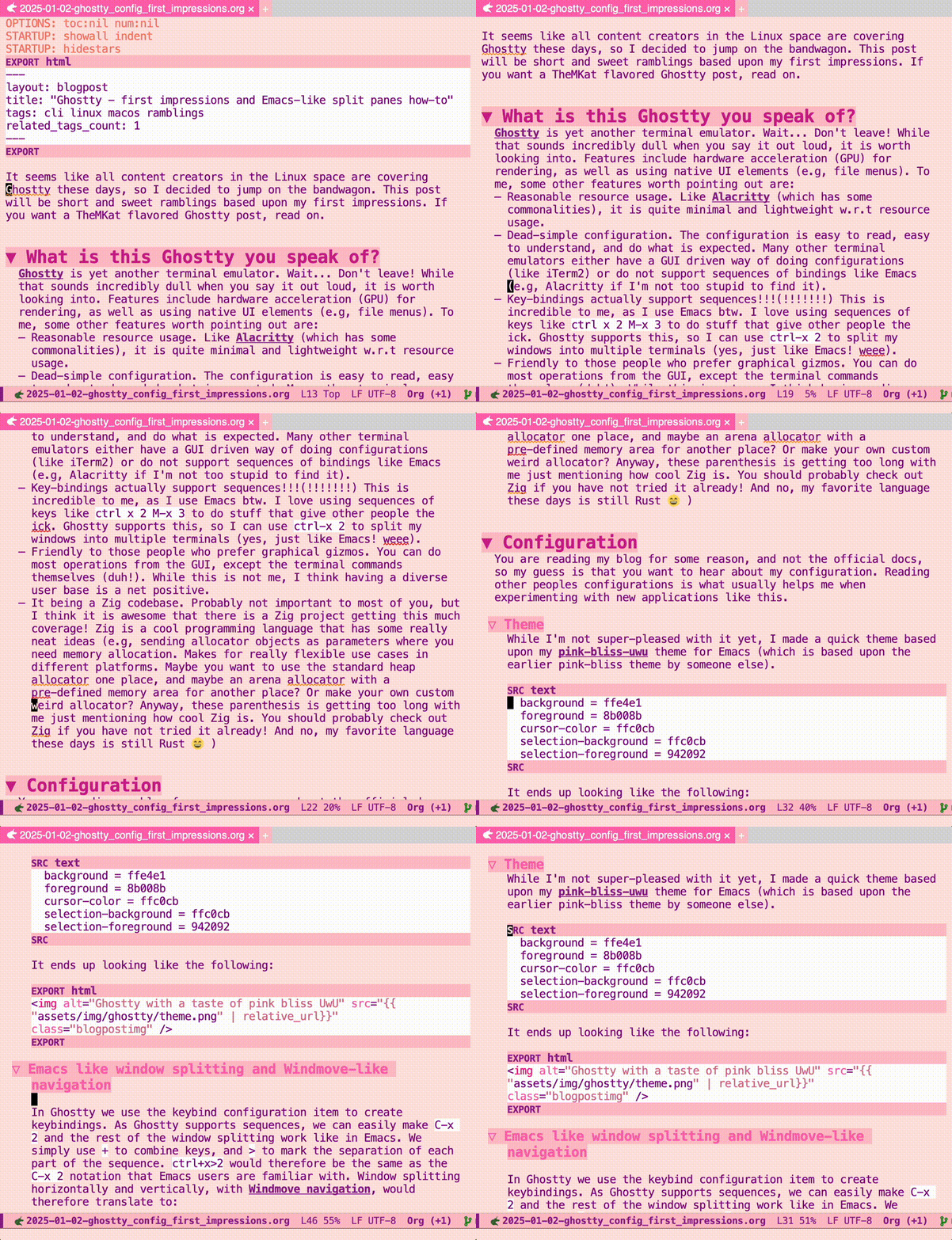
Feels more modern, even if we are using an editor with history back to the 1970s 


